
Home / BeaverDeck / Docs
BeaverDeck Documentation
BeaverDeck is a lightweight Kubernetes operations workspace for inspecting cluster state, troubleshooting workloads, and performing common day-2 actions from a web UI.
Getting Started
Install BeaverDeck, open the service, and create the first administrator account.
User Guide
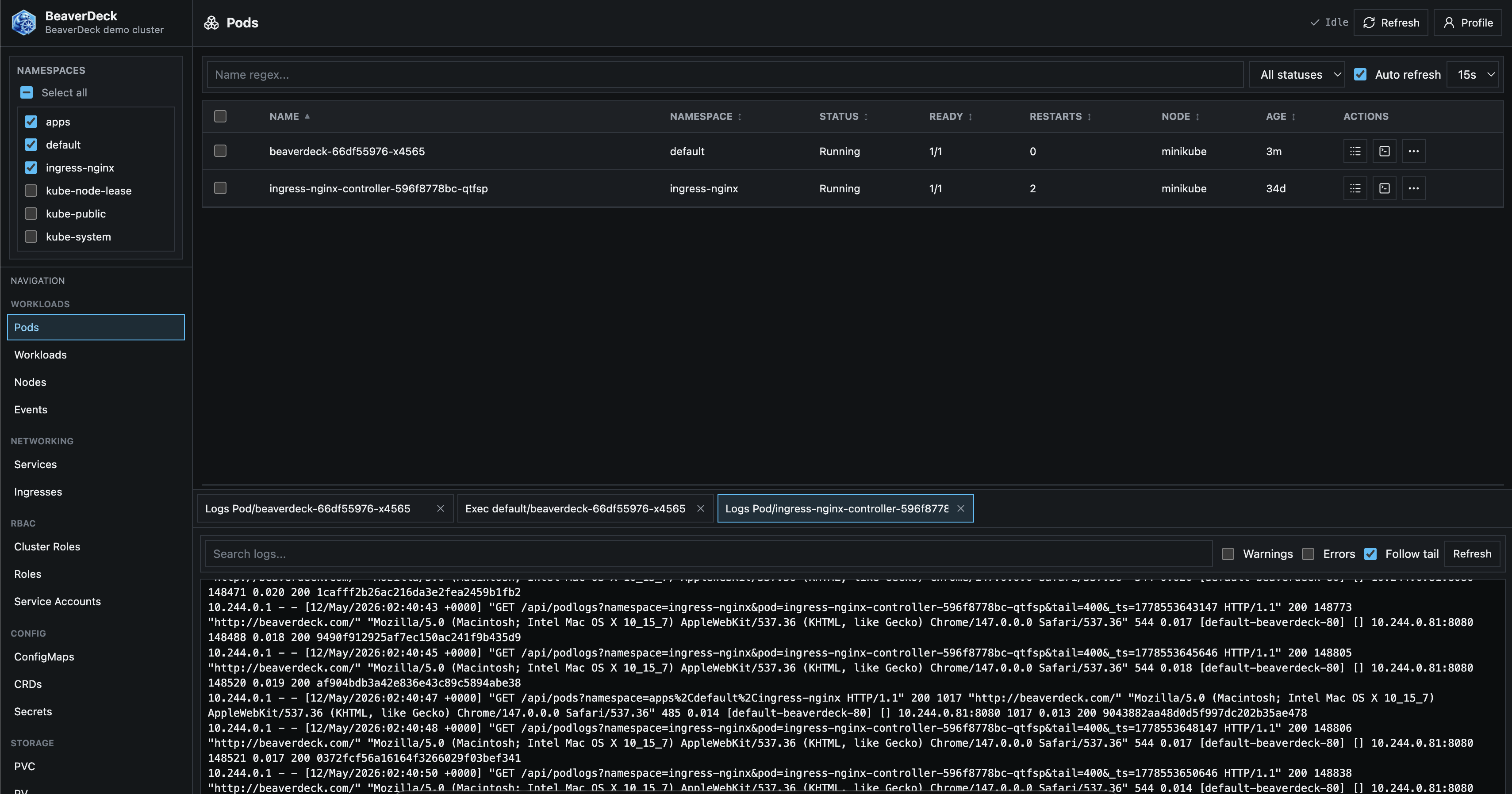
Start here if you use BeaverDeck in a cluster. The User Guide explains the UI, namespace selection, role permissions, Insights, resource tables, logs, exec sessions, manifest editing, Apply YAML, user management, and common troubleshooting workflows.
Configuration Guide
Start here if you install or operate BeaverDeck. The Configuration Guide covers Helm values, complete auth configuration Secret YAML, the separate suppressed alerts ConfigMap, storage, RBAC, ingress, the health endpoint, backup and restore, and troubleshooting.
Insights Guide
Use the Insights Guide when a check reports a finding or when you want to understand what BeaverDeck evaluates. It documents all current Node, Workload, GPU, Networking, Storage, Security, and Configuration checks with exact trigger conditions, risks, remediation guidance, and limitations.
Quick Install
Install with the official Helm chart. BeaverDeck stores auth configuration in a Kubernetes Secret
and uses DATA_DIR only for non-auth runtime metadata.
helm upgrade --install beaverdeck oci://ghcr.io/arequs/charts/beaverdeck \
  --namespace beaverdeck \
  --create-namespace \
  --set clusterName=your-cluster-name
If ingress is not configured, port-forward the service and open the UI. On first start, BeaverDeck asks for the initial admin username and password.
kubectl -n beaverdeck port-forward svc/beaverdeck 8080:80